
Choose a design
You can add a LinkedIn company feed without designing every card or writing every API request yourself. Pick a layout below, explore its working example, and copy the complete prompt into the AI tool you use to build your website.
Each layout is a tested example implementation with a prompt your AI tool can adapt to your website. All previews use authored sample posts and artwork, so you can explore the designs without connecting an account or making feed API requests.
1. Try the public demo first
Start in your existing website project. Every complete prompt includes instructions to preserve your current design and features, read the API documentation, and begin in explicit public demo mode. The demo needs no customer credentials, so you can check the design before configuring your own feed.
Choose View the complete prompt, then Copy prompt. If copying is unavailable, expand the prompt and select its text manually. Paste it into your builder or coding assistant. Ask it to explain what changed and which settings it expects you to provide.
The prompts include API behavior as well as appearance: up to four posts, safe text rendering, optional images and dates, original-post links, accessible controls, and separate loading, pending, empty, and failure states. You do not need to assemble a setup prompt and a styling prompt yourself.
2. Make it fit your website
Try the working sample preview for a design, or open it separately. The sample's Try other feed states control lets you explore missing images, empty results, pending collection, and failures without connecting an account.
After your AI tool adds the feed, use that design's follow-up prompt to refine the result. Check the narrow-screen layout, keyboard controls, colors, and text wrapping in your own project. Keep the API handling when asking for visual changes. Never replace real post text with invented announcements or engagement figures.
The screenshots and previews below are built from the same tested example source. The public repository also includes a connected version of every layout for API testing.
Card grid
A balanced homepage section with four cards. Two columns on desktop, one on mobile. Works well for: Company homepages and simple latest-news sections.
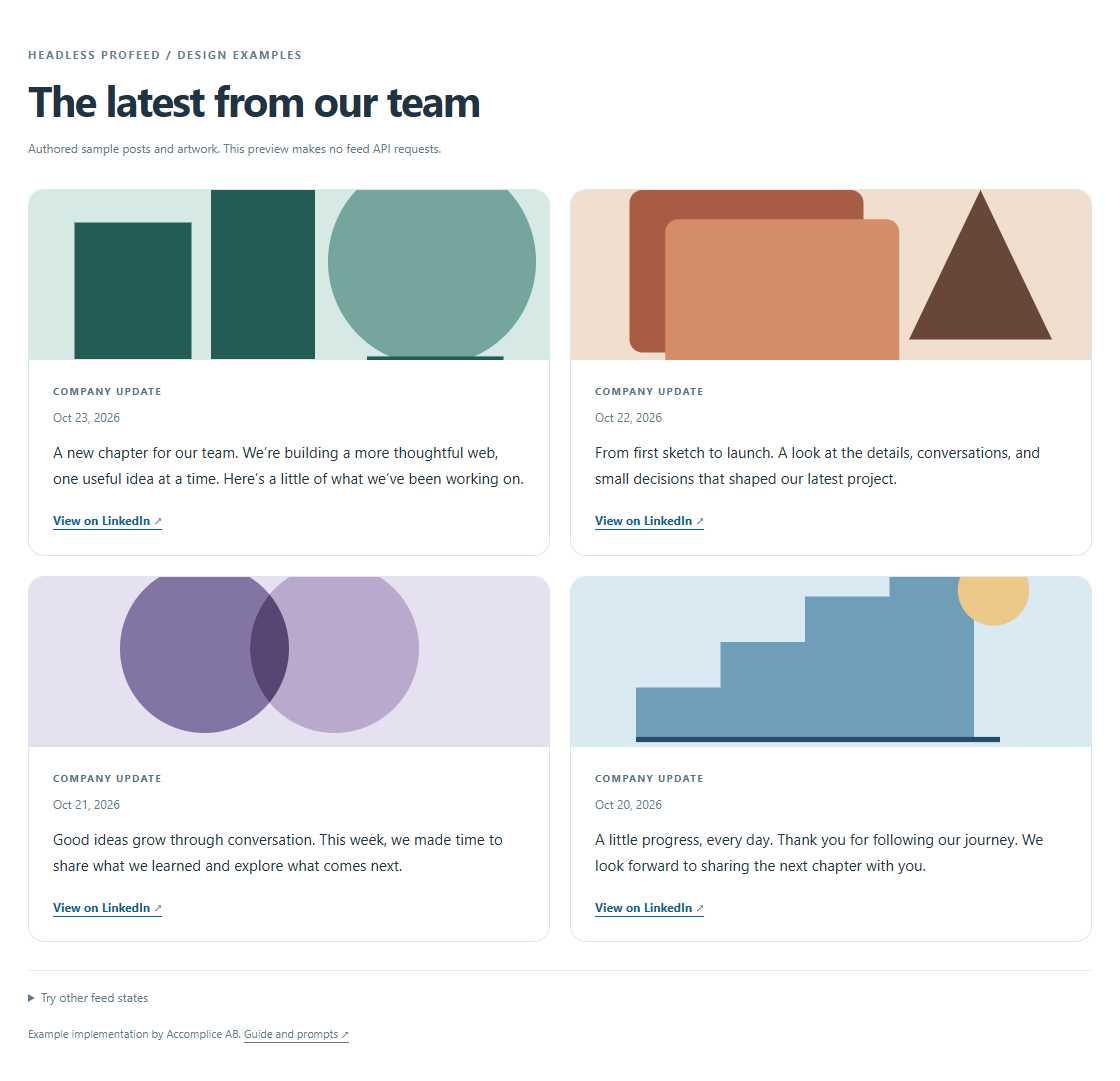
Example implementation using authored sample posts and artwork. No API key is needed to try it.
View the complete prompt
Add a LinkedIn company feed to my existing website using Headless Profeed. Adapt the current project instead of rebuilding the site. Preserve its typography, colors, spacing, components, navigation, and existing features.

Read https://headless.profeedwp.com/docs, https://headless.profeedwp.com/docs/authentication, and https://headless.profeedwp.com/openapi.json. Reference the tested browser implementation at https://github.com/ProFeedWP/headless-profeed-examples/tree/main/vanilla.

Start in explicit demo mode with https://api.profeedwp.com/api/headless-profeed/v1/demo. Also provide an explicit customer mode using /feeds/YOUR_FEED_ID/posts?page_size=4 under that API base. Keep placeholders for the feed ID and publishable browser key, configured through the project's normal public environment/settings mechanism. Customer mode requires an active subscription, feed ID, and hp_pk_ key; show a useful configuration error if any are missing. Never silently fall back to demo. Never put a secret hp_sk_ key in browser code or ask me to paste a secret into this prompt. The browser supplies Origin; explain how to allow the exact preview and published origins on the publishable key. Do not send cookies or put keys in URLs.

Display up to four posts with safe text rendering, optional images and dates, and valid links to the original LinkedIn posts. Do not invent posts, dates, media, endpoints, or engagement figures. Check HTTP 202 before response.ok: initial collection is pending, not a completed empty feed. Include separate loading, pending, completed-empty, and failure states. Handle 401/403, rate limits, and temporary failures; respect Retry-After in seconds or HTTP-date format and avoid automatic polling. Cancel requests on cleanup. Read requests use the API's cached posts; self-service paid feeds are scheduled every three hours, not in real time. Additional application caching adds another freshness delay.

Use semantic HTML, responsive styling, visible focus, accessible controls, and links that work with a keyboard. Explain which settings I need to supply and how to verify the result. I will connect only a public company or showcase Page I own or am authorized to use. Headless Profeed is independent of LinkedIn; personal profiles and private content are unsupported.

Design: Card grid

Use a clean grid of four equally sized post cards, with two columns on desktop and one on mobile. Include optional images, a date, post text, and an original-post link. Use my site's existing card styles, border radius, type scale, and spacing. Align the links along the bottom of the cards.Refine this design
View the follow-up prompt
Refine the grid to match the cards already used elsewhere on my website. Keep the same fonts, border treatments, spacing, and accent color without changing the feed logic.Compact news list
Four text-led updates with dates and simple separators, designed to fit smaller sections. Works well for: Sidebars, company news pages, and compact homepage sections.
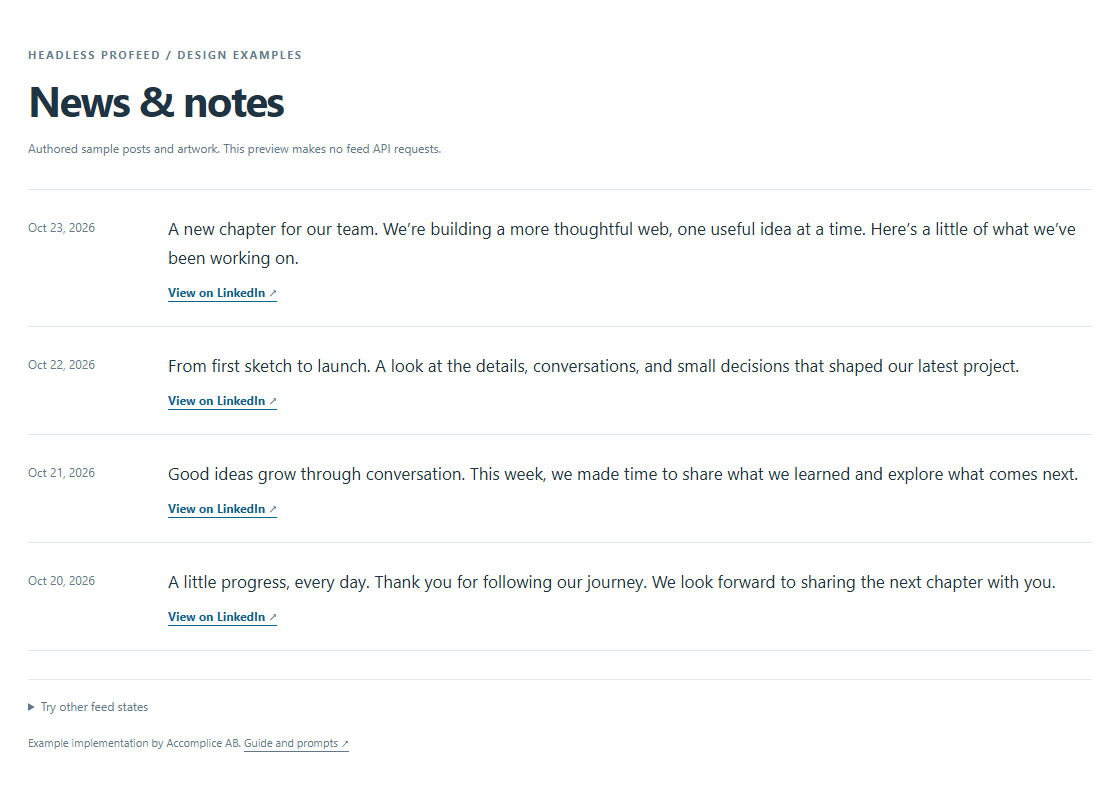
Example implementation using authored sample posts and artwork. No API key is needed to try it.
View the complete prompt
Add a LinkedIn company feed to my existing website using Headless Profeed. Adapt the current project instead of rebuilding the site. Preserve its typography, colors, spacing, components, navigation, and existing features.

Read https://headless.profeedwp.com/docs, https://headless.profeedwp.com/docs/authentication, and https://headless.profeedwp.com/openapi.json. Reference the tested browser implementation at https://github.com/ProFeedWP/headless-profeed-examples/tree/main/vanilla.

Start in explicit demo mode with https://api.profeedwp.com/api/headless-profeed/v1/demo. Also provide an explicit customer mode using /feeds/YOUR_FEED_ID/posts?page_size=4 under that API base. Keep placeholders for the feed ID and publishable browser key, configured through the project's normal public environment/settings mechanism. Customer mode requires an active subscription, feed ID, and hp_pk_ key; show a useful configuration error if any are missing. Never silently fall back to demo. Never put a secret hp_sk_ key in browser code or ask me to paste a secret into this prompt. The browser supplies Origin; explain how to allow the exact preview and published origins on the publishable key. Do not send cookies or put keys in URLs.

Display up to four posts with safe text rendering, optional images and dates, and valid links to the original LinkedIn posts. Do not invent posts, dates, media, endpoints, or engagement figures. Check HTTP 202 before response.ok: initial collection is pending, not a completed empty feed. Include separate loading, pending, completed-empty, and failure states. Handle 401/403, rate limits, and temporary failures; respect Retry-After in seconds or HTTP-date format and avoid automatic polling. Cancel requests on cleanup. Read requests use the API's cached posts; self-service paid feeds are scheduled every three hours, not in real time. Additional application caching adds another freshness delay.

Use semantic HTML, responsive styling, visible focus, accessible controls, and links that work with a keyboard. Explain which settings I need to supply and how to verify the result. I will connect only a public company or showcase Page I own or am authorized to use. Headless Profeed is independent of LinkedIn; personal profiles and private content are unsupported.

Design: Compact news list

Create a compact list of four latest updates. Use dates, readable post excerpts, subtle row separators, and links to the original LinkedIn posts. Omit images in this layout. Keep the section visually quiet and easy to scan, and stack dates above the text on narrow screens.Refine this design
View the follow-up prompt
Make this news list work inside a narrow sidebar. Reduce the spacing, keep the dates readable, and prevent long post text or links from causing horizontal scrolling.Featured update
One prominent post takes the lead, with three smaller updates alongside it. Works well for: Editorial homepages and company announcement sections.
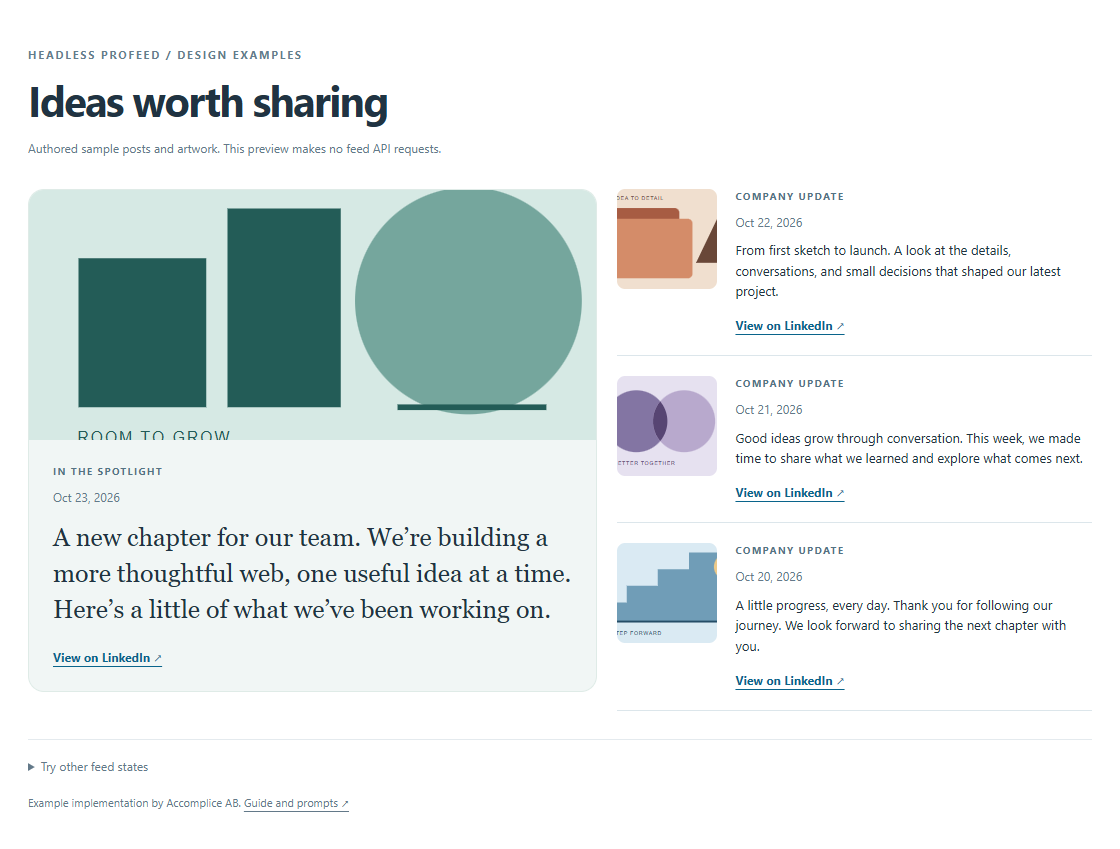
Example implementation using authored sample posts and artwork. No API key is needed to try it.
View the complete prompt
Add a LinkedIn company feed to my existing website using Headless Profeed. Adapt the current project instead of rebuilding the site. Preserve its typography, colors, spacing, components, navigation, and existing features.

Read https://headless.profeedwp.com/docs, https://headless.profeedwp.com/docs/authentication, and https://headless.profeedwp.com/openapi.json. Reference the tested browser implementation at https://github.com/ProFeedWP/headless-profeed-examples/tree/main/vanilla.

Start in explicit demo mode with https://api.profeedwp.com/api/headless-profeed/v1/demo. Also provide an explicit customer mode using /feeds/YOUR_FEED_ID/posts?page_size=4 under that API base. Keep placeholders for the feed ID and publishable browser key, configured through the project's normal public environment/settings mechanism. Customer mode requires an active subscription, feed ID, and hp_pk_ key; show a useful configuration error if any are missing. Never silently fall back to demo. Never put a secret hp_sk_ key in browser code or ask me to paste a secret into this prompt. The browser supplies Origin; explain how to allow the exact preview and published origins on the publishable key. Do not send cookies or put keys in URLs.

Display up to four posts with safe text rendering, optional images and dates, and valid links to the original LinkedIn posts. Do not invent posts, dates, media, endpoints, or engagement figures. Check HTTP 202 before response.ok: initial collection is pending, not a completed empty feed. Include separate loading, pending, completed-empty, and failure states. Handle 401/403, rate limits, and temporary failures; respect Retry-After in seconds or HTTP-date format and avoid automatic polling. Cancel requests on cleanup. Read requests use the API's cached posts; self-service paid feeds are scheduled every three hours, not in real time. Additional application caching adds another freshness delay.

Use semantic HTML, responsive styling, visible focus, accessible controls, and links that work with a keyboard. Explain which settings I need to supply and how to verify the result. I will connect only a public company or showcase Page I own or am authorized to use. Headless Profeed is independent of LinkedIn; personal profiles and private content are unsupported.

Design: Featured update

Make the first post a featured update with a larger image when available and more prominent typography. Place the next three updates in a smaller supporting column. Stack the featured post above the others on mobile. Preserve the API's post order and do not invent article titles or rewrite post text.Refine this design
View the follow-up prompt
Give the featured update more visual emphasis using my existing brand typography and spacing. Keep the three supporting updates compact, and make the whole section feel like part of my site's editorial design.Image gallery
An image-led arrangement with readable captions and a fallback for posts without media. Works well for: Design studios, product teams, and visually led company sites.
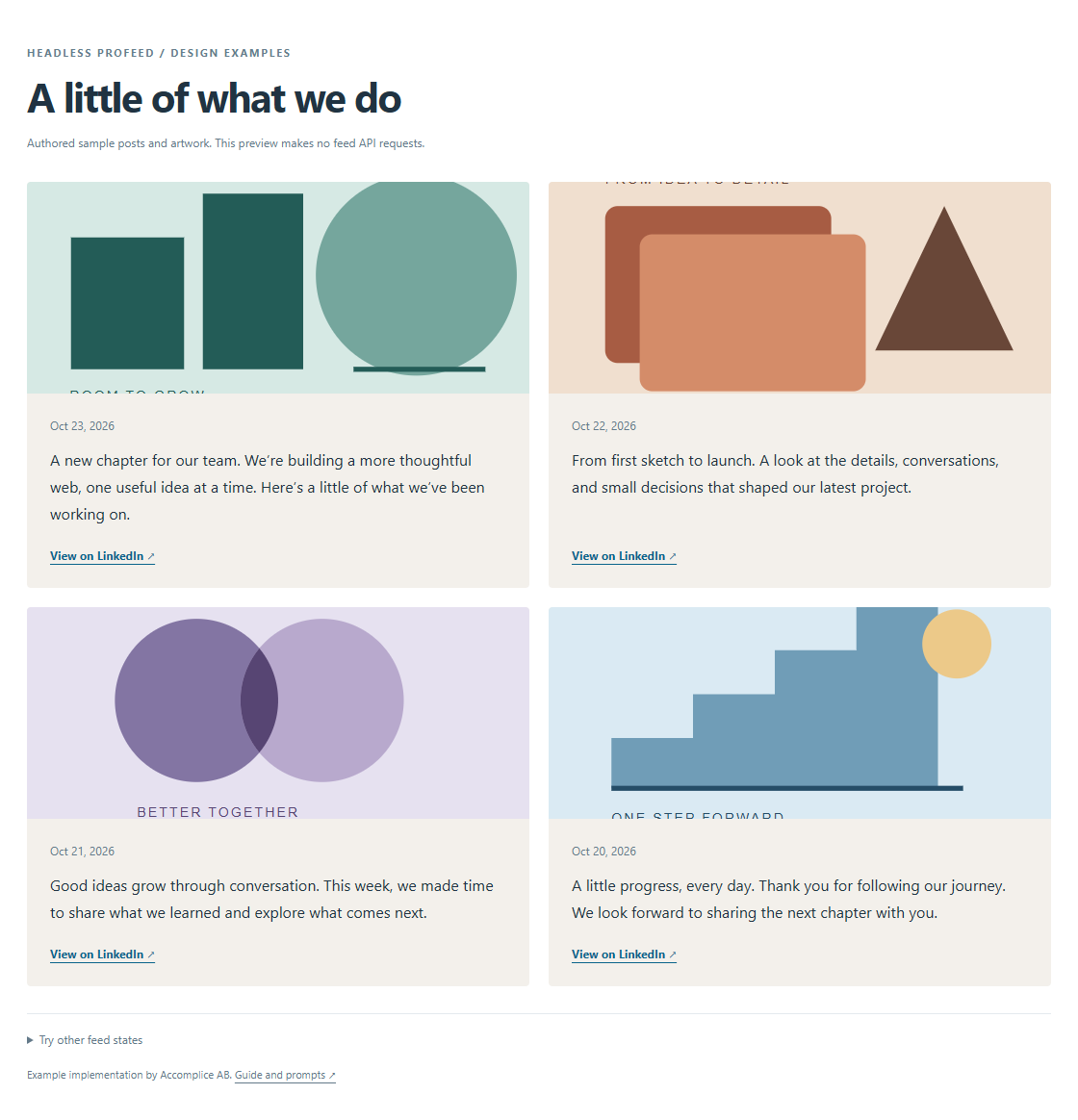
Example implementation using authored sample posts and artwork. No API key is needed to try it.
View the complete prompt
Add a LinkedIn company feed to my existing website using Headless Profeed. Adapt the current project instead of rebuilding the site. Preserve its typography, colors, spacing, components, navigation, and existing features.

Read https://headless.profeedwp.com/docs, https://headless.profeedwp.com/docs/authentication, and https://headless.profeedwp.com/openapi.json. Reference the tested browser implementation at https://github.com/ProFeedWP/headless-profeed-examples/tree/main/vanilla.

Start in explicit demo mode with https://api.profeedwp.com/api/headless-profeed/v1/demo. Also provide an explicit customer mode using /feeds/YOUR_FEED_ID/posts?page_size=4 under that API base. Keep placeholders for the feed ID and publishable browser key, configured through the project's normal public environment/settings mechanism. Customer mode requires an active subscription, feed ID, and hp_pk_ key; show a useful configuration error if any are missing. Never silently fall back to demo. Never put a secret hp_sk_ key in browser code or ask me to paste a secret into this prompt. The browser supplies Origin; explain how to allow the exact preview and published origins on the publishable key. Do not send cookies or put keys in URLs.

Display up to four posts with safe text rendering, optional images and dates, and valid links to the original LinkedIn posts. Do not invent posts, dates, media, endpoints, or engagement figures. Check HTTP 202 before response.ok: initial collection is pending, not a completed empty feed. Include separate loading, pending, completed-empty, and failure states. Handle 401/403, rate limits, and temporary failures; respect Retry-After in seconds or HTTP-date format and avoid automatic polling. Cancel requests on cleanup. Read requests use the API's cached posts; self-service paid feeds are scheduled every three hours, not in real time. Additional application caching adds another freshness delay.

Use semantic HTML, responsive styling, visible focus, accessible controls, and links that work with a keyboard. Explain which settings I need to supply and how to verify the result. I will connect only a public company or showcase Page I own or am authorized to use. Headless Profeed is independent of LinkedIn; personal profiles and private content are unsupported.

Design: Image gallery

Build an image-led gallery of four posts in a two-column grid, stacking to one column on mobile. Use a consistent image aspect ratio, readable post captions, dates, and original-post links. For posts without an image, show a styled text card using my brand colors rather than a broken image or invented photograph. Never hide the post text behind hover-only interactions.Refine this design
View the follow-up prompt
Improve the gallery's image cropping and text-card fallback. Keep captions readable on touch screens, preserve the full accessible post text, and use my website's existing color palette.Dark carousel
A dark, horizontal feed with manual controls and keyboard navigation. Nothing auto-rotates. Works well for: High-contrast landing pages and product launch sections.
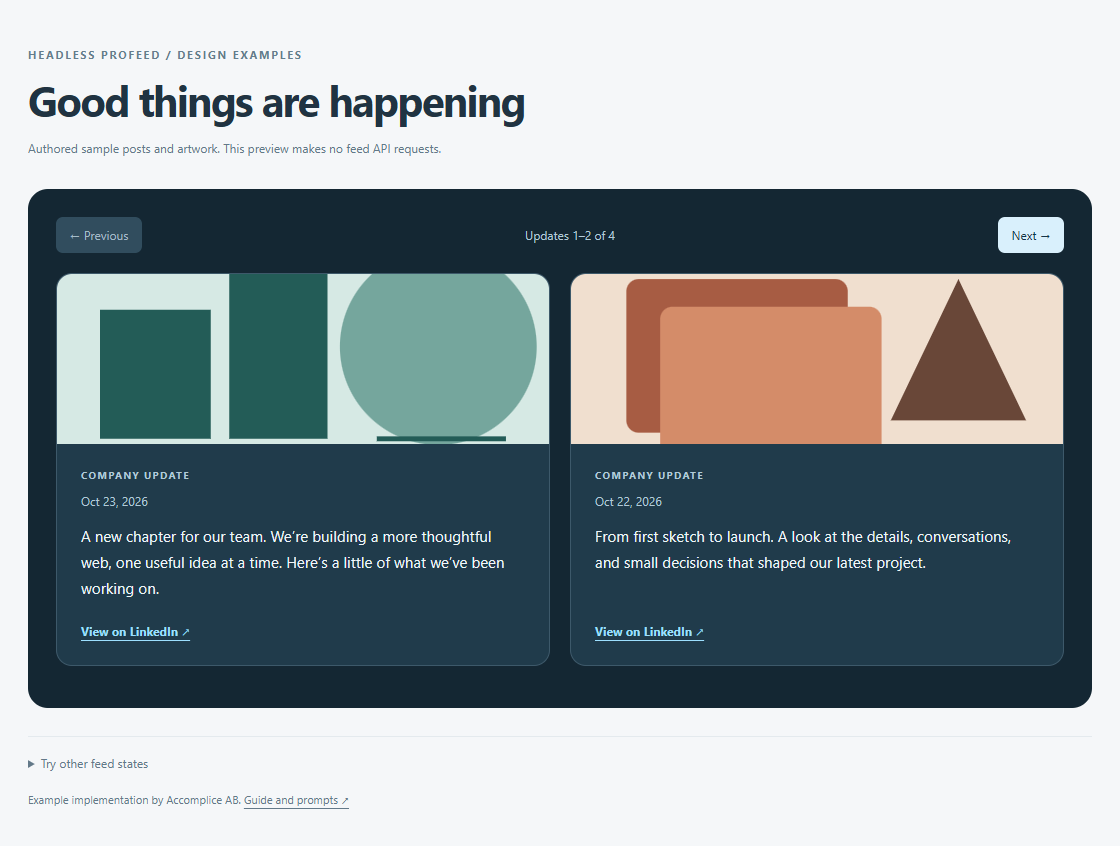
Example implementation using authored sample posts and artwork. No API key is needed to try it.
View the complete prompt
Add a LinkedIn company feed to my existing website using Headless Profeed. Adapt the current project instead of rebuilding the site. Preserve its typography, colors, spacing, components, navigation, and existing features.

Read https://headless.profeedwp.com/docs, https://headless.profeedwp.com/docs/authentication, and https://headless.profeedwp.com/openapi.json. Reference the tested browser implementation at https://github.com/ProFeedWP/headless-profeed-examples/tree/main/vanilla.

Start in explicit demo mode with https://api.profeedwp.com/api/headless-profeed/v1/demo. Also provide an explicit customer mode using /feeds/YOUR_FEED_ID/posts?page_size=4 under that API base. Keep placeholders for the feed ID and publishable browser key, configured through the project's normal public environment/settings mechanism. Customer mode requires an active subscription, feed ID, and hp_pk_ key; show a useful configuration error if any are missing. Never silently fall back to demo. Never put a secret hp_sk_ key in browser code or ask me to paste a secret into this prompt. The browser supplies Origin; explain how to allow the exact preview and published origins on the publishable key. Do not send cookies or put keys in URLs.

Display up to four posts with safe text rendering, optional images and dates, and valid links to the original LinkedIn posts. Do not invent posts, dates, media, endpoints, or engagement figures. Check HTTP 202 before response.ok: initial collection is pending, not a completed empty feed. Include separate loading, pending, completed-empty, and failure states. Handle 401/403, rate limits, and temporary failures; respect Retry-After in seconds or HTTP-date format and avoid automatic polling. Cancel requests on cleanup. Read requests use the API's cached posts; self-service paid feeds are scheduled every three hours, not in real time. Additional application caching adds another freshness delay.

Use semantic HTML, responsive styling, visible focus, accessible controls, and links that work with a keyboard. Explain which settings I need to supply and how to verify the result. I will connect only a public company or showcase Page I own or am authorized to use. Headless Profeed is independent of LinkedIn; personal profiles and private content are unsupported.

Design: Dark carousel

Create a dark horizontal carousel containing four posts. Use readable contrast, previous and next buttons, touch scrolling, visible keyboard focus, and arrow-key navigation. Show two cards at a time when space allows and one on mobile. Do not auto-rotate, trap focus, or require hover to read content. Respect reduced-motion preferences and keep links usable.Refine this design
View the follow-up prompt
Refine the carousel for keyboard and touch users. Make the navigation buttons' disabled states clear, announce which cards are visible, and keep focused content in view without automatic rotation.Company timeline
A vertical series of company updates that keeps the API's order and handles missing dates. Works well for: About pages, company journals, and ongoing progress updates.
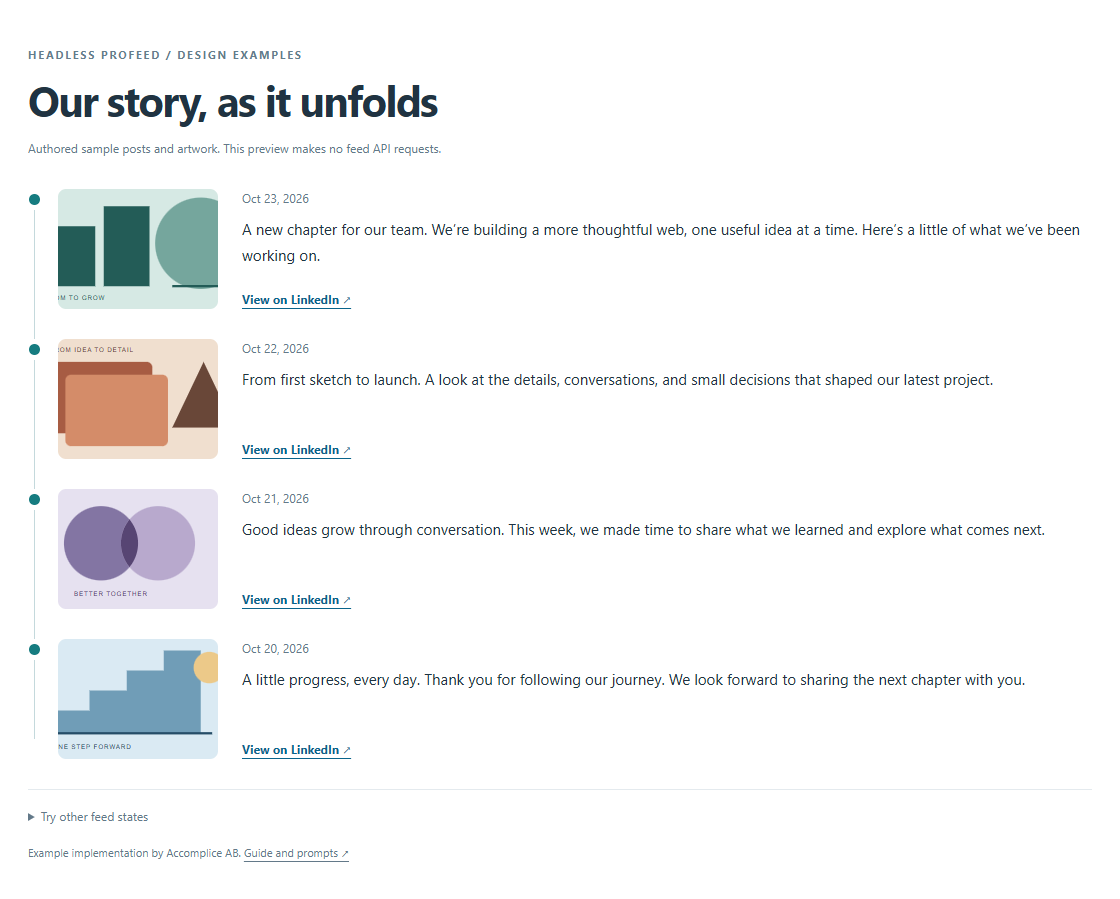
Example implementation using authored sample posts and artwork. No API key is needed to try it.
View the complete prompt
Add a LinkedIn company feed to my existing website using Headless Profeed. Adapt the current project instead of rebuilding the site. Preserve its typography, colors, spacing, components, navigation, and existing features.

Read https://headless.profeedwp.com/docs, https://headless.profeedwp.com/docs/authentication, and https://headless.profeedwp.com/openapi.json. Reference the tested browser implementation at https://github.com/ProFeedWP/headless-profeed-examples/tree/main/vanilla.

Start in explicit demo mode with https://api.profeedwp.com/api/headless-profeed/v1/demo. Also provide an explicit customer mode using /feeds/YOUR_FEED_ID/posts?page_size=4 under that API base. Keep placeholders for the feed ID and publishable browser key, configured through the project's normal public environment/settings mechanism. Customer mode requires an active subscription, feed ID, and hp_pk_ key; show a useful configuration error if any are missing. Never silently fall back to demo. Never put a secret hp_sk_ key in browser code or ask me to paste a secret into this prompt. The browser supplies Origin; explain how to allow the exact preview and published origins on the publishable key. Do not send cookies or put keys in URLs.

Display up to four posts with safe text rendering, optional images and dates, and valid links to the original LinkedIn posts. Do not invent posts, dates, media, endpoints, or engagement figures. Check HTTP 202 before response.ok: initial collection is pending, not a completed empty feed. Include separate loading, pending, completed-empty, and failure states. Handle 401/403, rate limits, and temporary failures; respect Retry-After in seconds or HTTP-date format and avoid automatic polling. Cancel requests on cleanup. Read requests use the API's cached posts; self-service paid feeds are scheduled every three hours, not in real time. Additional application caching adds another freshness delay.

Use semantic HTML, responsive styling, visible focus, accessible controls, and links that work with a keyboard. Explain which settings I need to supply and how to verify the result. I will connect only a public company or showcase Page I own or am authorized to use. Headless Profeed is independent of LinkedIn; personal profiles and private content are unsupported.

Design: Company timeline

Present four posts as a vertical company timeline, preserving the order returned by the API. Use subtle date markers, post text, optional images, and links to the original posts. If a date is missing, omit it without inventing one. Keep the timeline readable on mobile and use the existing site's typography and accent color.Refine this design
View the follow-up prompt
Make the timeline more compact without losing readability. Align date markers consistently, reduce unnecessary decoration, and let long post text wrap naturally on mobile.3. Connect your own company feed
When the design works, open your account, choose a self-service subscription or contact us about Enterprise, and connect a public company or showcase Page you own or are authorized to use. Customer feed requests require an active subscription and a valid key. Headless Profeed is an independent third-party service, not LinkedIn's official API; personal profiles and private content are unsupported.
Create a publishable browser key scoped to your feed. Allow the exact website origins that will make requests, including the scheme, hostname, and port. Your builder's preview and your published website can have different origins; add both exact origins if both need access. A different subdomain or port is a different origin.
Set the project to customer mode, enter the feed ID and publishable key in its normal settings or public environment variables, then rebuild/restart as required by that tool. Use the key placeholder in the prompt; supply the real value through your project's settings. Publishable hp_pk_ keys are intentionally visible to visitors and are read-only. Origin restrictions do not make the feed confidential.
Never put an hp_sk_ secret key in browser code or a browser-prefixed environment variable, and do not paste a secret into an AI prompt. If you want to fetch on a server with a secret key, follow the Next.js server guide. See authentication for scope, origins, replacement, and revocation.
Missing customer settings should show a useful configuration error. They must not silently switch the site back to demo posts. After switching modes, confirm that your own Page's content is displayed.
Caching and content freshness
Headless Profeed reads return cached source posts. On self-service paid plans, active feeds are scheduled for refresh every three hours; repeatedly loading a page does not force LinkedIn collection. Enterprise intervals and allowances are agreed separately. Additional application caching adds its own delay before visitors see newer content.
The prompts require 202 to be checked before generic HTTP success. A first collection that is still pending is different from a completed 200 response with no posts. Respect Retry-After, avoid automatic polling, and do not cache a pending or unauthorized response as a completed feed. See refresh and caching and current pricing.
Check before publishing
- Replace demo settings explicitly and verify your own authorized Page's feed.
- Check the exact published origin is allowed on the publishable key.
- Test mobile layouts, long text, missing media, and keyboard navigation.
- Keep pending, completed-empty, rate-limit, and failure messages distinct.
- Confirm that secret keys are absent from browser code and HTML.
- For the carousel, confirm that it never rotates automatically and that its buttons and keyboard controls work.
Troubleshooting
| What you see | What to ask your AI tool to check |
|---|---|
| Demo posts after configuration | Verify that mode is explicitly customer, both settings are present, and the project was rebuilt or restarted. Never enable a silent demo fallback. |
| Configuration error | Supply the feed ID and a publishable browser key. Keep secrets on a server. |
| 401 | Replace an invalid or revoked key and update the project's settings. |
| 403 or origin error | Check the subscription, selected feed, and exact preview/published origins. Let the browser send Origin itself. |
| First collection pending | Handle 202 before response.ok and wait for the advertised retry interval. |
| Completed empty feed | Confirm the connected Page and public content; do not replace the empty state with sample posts. |
| Rate limit or temporary failure | Respect Retry-After, avoid retry loops, and check request allowances. |
| Missing media or date | Omit optional fields gracefully; do not invent images, dates, or post links. |
| A design changes existing sections | Ask the tool to scope the feed's styles and reuse existing site components instead of replacing global styles. |
Continue with the API quickstart, response fields, OpenAPI specification, or the complete examples repository.
Tested source and updates
Code and environment templates on this page are imported from the same pinned repository revision as the preview. The examples are MIT licensed by Accomplice AB. Browse the tested revision, including lockfiles and tests. Check newer framework releases before upgrading your own project.